
RemNeXus® · NPC Registration Implementation System™
Prepare for NPC Registration with Confidence.
A structured implementation system that helps organizations organize registration information, document Data Processing Systems, prepare supporting documents, and complete NPC registration at their own pace.
- 01
- Implementation Workbook
- 03
- Core Templates
- 1.0
- System Version
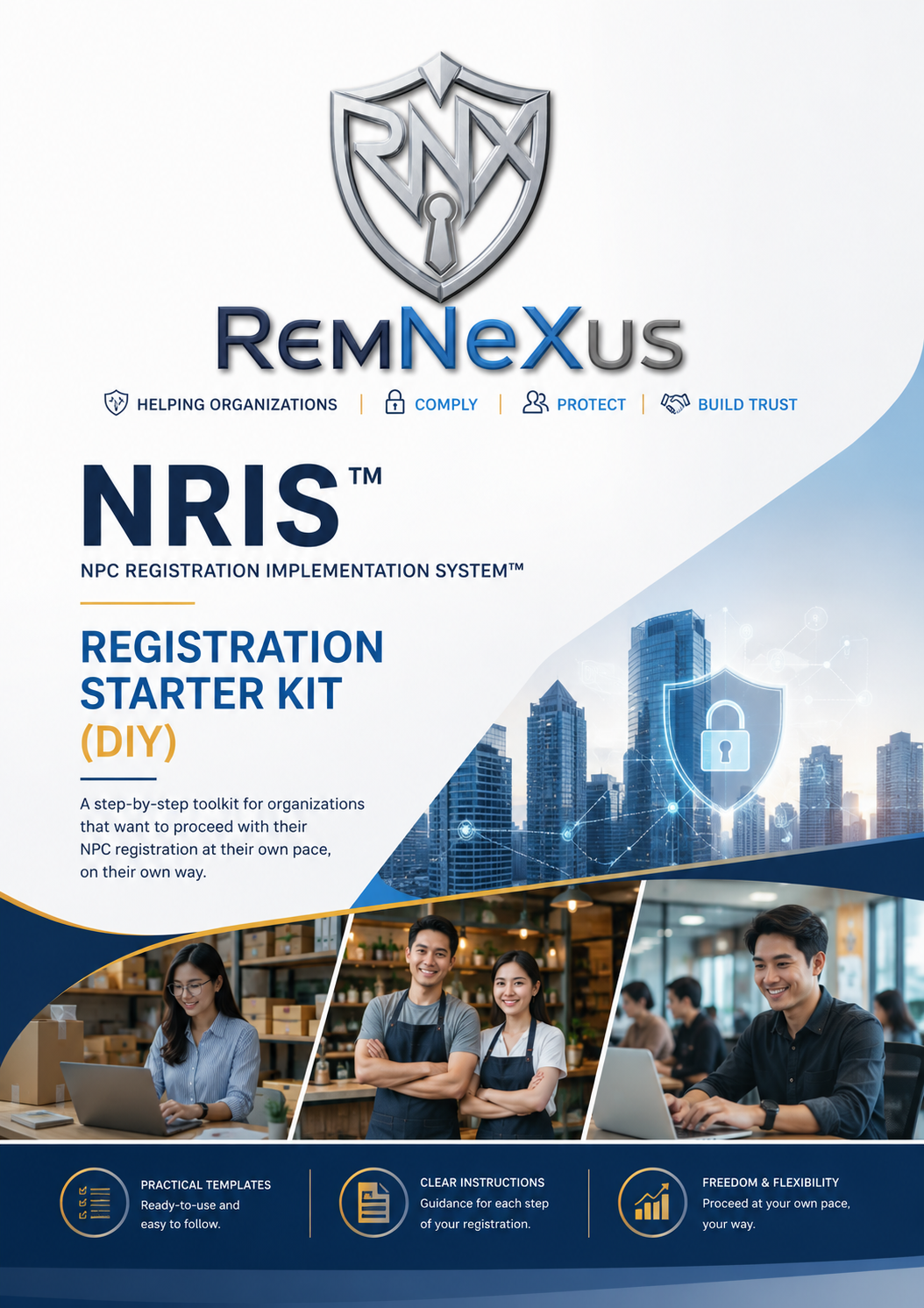
Who This Is For
Built for the people accountable for registration.
NRIS™ was designed around the reality of how registration information is actually gathered inside an organization — across departments, under time pressure, often for the first time.
Newly Appointed DPOs
Take ownership of registration with a defined starting point and a defensible process.
Startups & Small Businesses
Prepare properly without retaining a full compliance function.
Medium Enterprises
Coordinate several business units under one consistent information standard.
Compliance Officers
Evidence completeness before submission rather than after a follow-up request.
HR & Corporate Secretaries
Contribute departmental information through a single structured workbook.
Organizations Registering for the First Time
Move from uncertainty to a clear, sequenced registration path.
The Challenge
Registration rarely fails on intent. It fails on organization.
Most organizations approaching NPC registration are not unwilling to comply. They are working without a defined structure for collecting, validating, and consolidating the information registration requires.
Information is requested informally. Systems are recalled from memory. Documents live in different departments, in different formats, at different levels of completeness. The result is not non-compliance — it is avoidable delay, duplicated effort, and uncertainty about whether the organization is genuinely ready to register.
- Identifying exactly what registration information is required
- Organizing supporting documents held across departments
- Inventorying Data Processing Systems accurately
- Coordinating input from HR, IT, Operations, and Finance
- Knowing whether the organization is actually ready to register
- Avoiding repeated requests for the same information
- Building internal confidence before submission
The Cost of Disorganized Registration
Disorganization is expensive long before it is visible.
The cost is rarely a penalty. It is the weeks of internal time spent re-collecting information that was already provided once.
| Timeline | Without a system | With NRIS™ |
|---|---|---|
| Week 1–2 | Information requested by email; partial responses returned. | Organization Master Information Sheet completed and validated. |
| Week 3–4 | Systems recalled informally; ownership unclear. | DPS inventory mapped to business units with named owners. |
| Week 5–6 | Documents located, re-requested, re-sent. | Supporting Documents Register tracked to completion. |
| Week 7+ | Submission delayed; follow-up requests received. | Readiness checklist cleared; registration proceeds. |
Introducing NRIS™
A methodology, not a folder of templates.
The NPC Registration Implementation System™ is the first structured implementation system designed to help organizations prepare for National Privacy Commission registration with confidence.
Collect Once.
Every required input has exactly one authoritative home. Information is requested from the business a single time.
Validate Once.
Each template carries its own validation checklist, so completeness is confirmed at the point of entry — not at submission.
Generate Everything Else.
Once the base records are validated, the downstream registration outputs follow from them without rework.
How NRIS™ Works
Three pillars, completed in sequence.
Each pillar produces a validated record. Together they constitute your registration baseline.
Organization Information
Establish the authoritative record of your organization, business details, DPO designation, and official contact points.
Data Processing Systems
Inventory each system, map it to a business unit, state its processing purpose, and assign accountable ownership.
Supporting Documents
Register every required document, track completion status, and validate readiness before upload.
Everything Included
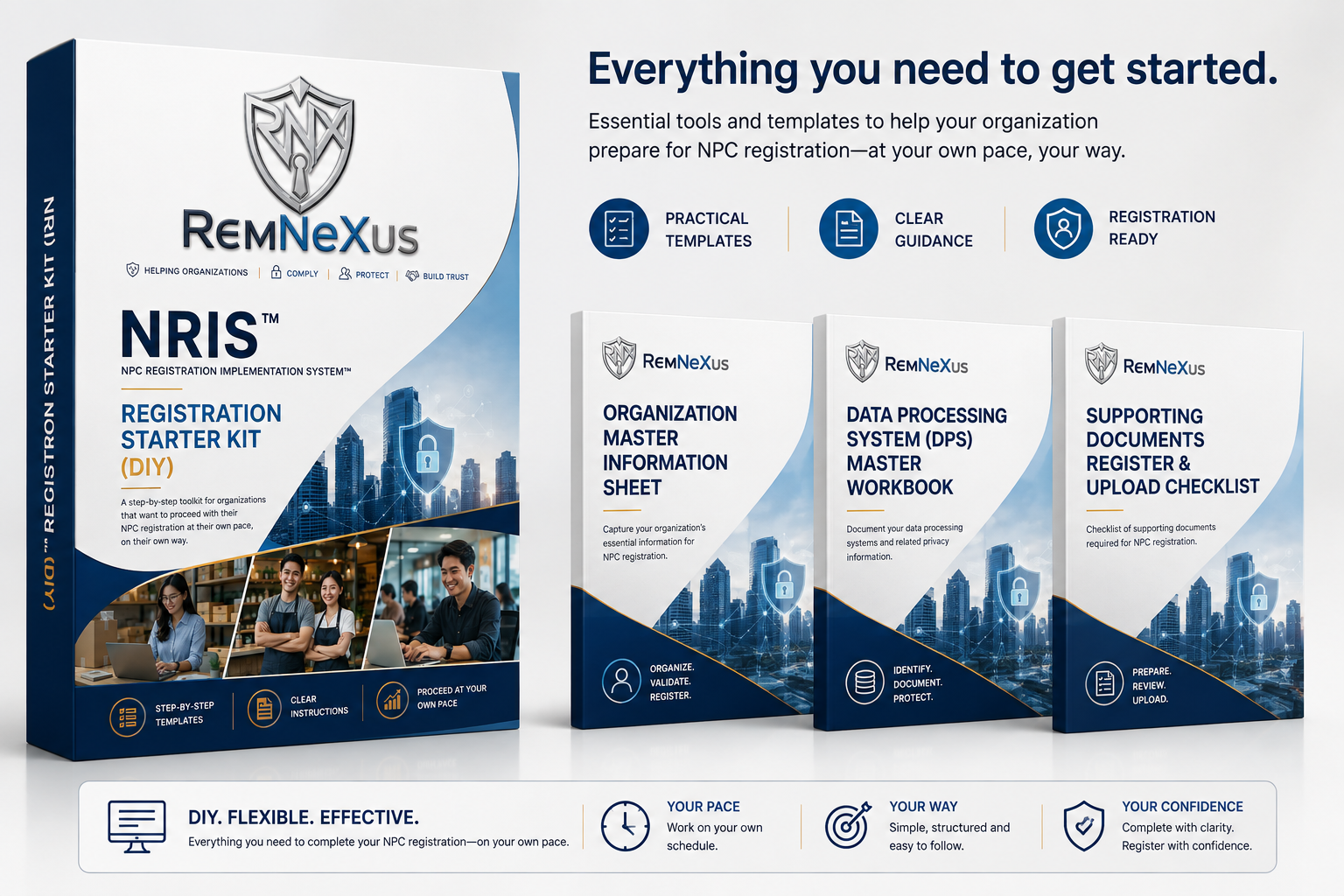
One implementation workbook. Three professional templates.
Version 1.0 — DIY Implementation Edition. Delivered digitally, ready for immediate use.
Client Implementation Workbook
The governing document of the system. It sequences the work, defines what 'complete' means, and holds your organization to one standard.
- Welcome & Orientation
- Implementation Roadmap
- Step-by-Step Guidance
- Registration Readiness Checklist
- Frequently Asked Questions
- Professional Services Overview
- Intellectual Property Notice
Organization Master Information Sheet
Captures your organization's essential registration information once, in a validated structure.
- Organization Profile
- Business Information
- DPO Information
- Contact Details
- Validation Checklist
Data Processing System Master Workbook
Documents your data processing systems and the privacy information attached to each one.
- DPS Inventory
- Business Unit Mapping
- Purpose of Processing
- System Ownership
- Validation Checklist
Supporting Documents Register
Consolidates the documentary requirements into a single tracked register with upload readiness.
- Document Inventory
- Upload Checklist
- Completion Status
- Validation Checklist
Implementation Journey
A defined path from start to registration.
- 1
Start
Open the Client Implementation Workbook and review the roadmap and readiness criteria.
- 2
Complete Template 1
Establish your Organization Master Information Sheet and validate every field.
- 3
Complete Template 2
Build the Data Processing System inventory across business units.
- 4
Complete Template 3
Register supporting documents and confirm completion status.
- 5
Review Information
Run the Registration Readiness Checklist across all three records.
- 6
Proceed with NPC Registration
Submit with organized, validated, internally consistent information.
Before vs After
The same organization, two different registration experiences.
| Dimension | Without NRIS™ | With NRIS™ |
|---|---|---|
| Information gathering | Requested repeatedly, department by department | Collected once, in one validated structure |
| Data Processing Systems | Recalled informally, often incomplete | Inventoried, mapped, and owned |
| Supporting documents | Scattered across drives and inboxes | Registered and tracked to completion |
| Internal coordination | Ad hoc email threads | One workbook, one standard, one owner |
| Readiness | Assumed, discovered late | Verified against a written checklist |
| Registration experience | Delays, rework, follow-up requests | Sequenced, documented, and confident |
Who Uses NRIS™
Adopted across organizational scale and function.
Startups
Establish privacy governance early, without disproportionate cost.
SMEs
Formalize what is already happening across the business.
Corporations
Standardize registration inputs across multiple units.
Data Protection Officers
Operate from a defensible, documented baseline.
HR Teams
Contribute employee-data systems accurately and once.
Compliance Functions
Evidence diligence with a repeatable methodology.
Your Investment
What the organization receives, and what it costs.
The value below reflects the professional development cost of each component. The Starter Kit is offered as a single one-time digital purchase.
Bundle breakdown
Professional implementation guide
Client Implementation Workbook
Estimated value Estimated value ₱2,000
Template 01
Organization Master Information Sheet
Estimated value Estimated value ₱2,500
Template 02
Data Processing System (DPS) Master Workbook
Estimated value Estimated value ₱3,500
Template 03
Supporting Documents Register & Upload Checklist
Estimated value Estimated value ₱2,000
Estimated Bundle Value
₱10,000
NRIS™ Registration Starter Kit
DIY Implementation Edition
Your investment today
₱2,500
One-time digital purchase
- Immediate digital access
- Client Implementation Workbook
- Three core implementation templates
- Future minor updates (Version 1.x)
- Licensed for internal organizational use
No subscription. No recurring fees.
Payment Options
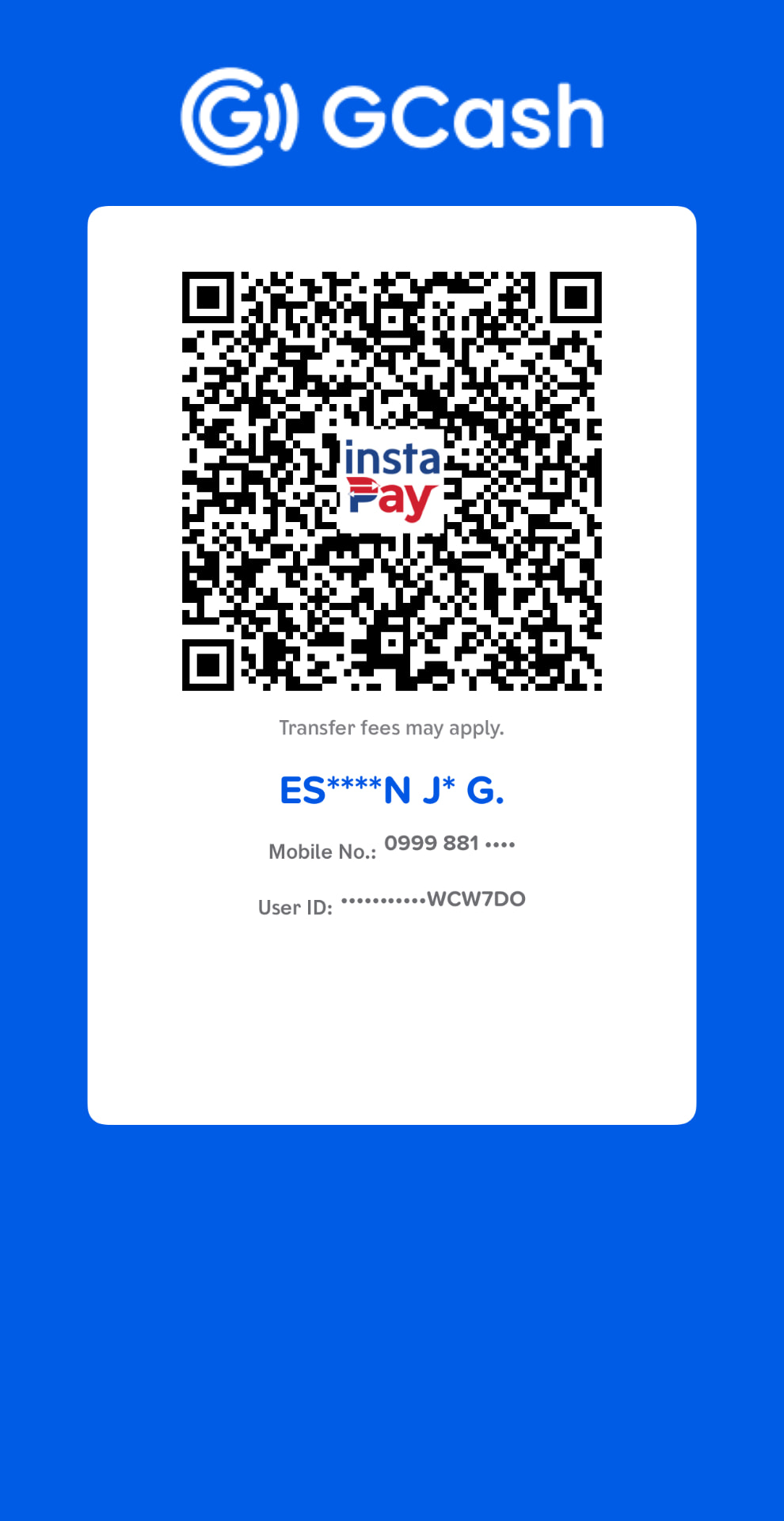
Pay through GCash, then submit your payment confirmation.
GCash is the payment method currently supported. Digital delivery is released once your proof of payment is verified by RemNeXus®.
GCash
Scan the QR code with the GCash app to pay ₱2,500. Use your organization name as the payment reference, then submit the confirmation form beside this card.
Submit your payment confirmation
Complete the details below. Submitting prepares a verification email addressed to remnexus.dpo@gmail.com — attach your GCash proof-of-payment screenshot before sending it.
Verification is completed within 1 business day. Digital delivery is issued to the email address above.
How to Avail
Five steps from decision to implementation.
- Step 01
Choose the Starter Kit
Select the NRIS™ Registration Starter Kit — DIY Implementation Edition.
- Step 02
Complete Payment
Scan the GCash QR code and pay ₱2,500 using your organization name as reference.
- GCash (QR scan)
- Step 03
Submit Proof of Payment
Complete the payment confirmation form and email your screenshot for verification.
- Organization details
- GCash reference number
- Proof-of-payment screenshot
- Step 04
Receive Confirmation
Once RemNeXus® verifies your payment you will receive:
- Order confirmation
- Purchase receipt
- Download instructions
- License confirmation
- Step 05
Download and Begin
Access your materials and begin implementation at your own pace.
- Client Implementation Workbook
- Template 01
- Template 02
- Template 03
Delivery, License & Support
What happens immediately after payment.
Digital delivery is issued once payment is confirmed. Your license, formats, and support channel are stated plainly below.
Delivery Method
Electronic download issued to the email address provided at purchase.
Formats
PDF, Microsoft Word (DOCX), and Microsoft Excel (XLSX).
License
Non-exclusive, non-transferable license for internal organizational use.
Support
estebanjr.garcia.remnexus@gmail.com · Business days · Response within 1–2 business days.
Refund Policy
Due to the digital nature of the product, all sales are generally final once access has been issued. If you experience a technical issue accessing your purchase, contact RemNeXus® Support. Requests are reviewed on a case-by-case basis.
Licensing and Legal
Full terms are set out in the License Notice, Terms of Use, and Privacy Policy.
Upgrade Path
One ecosystem. Three levels of engagement.
Begin with the DIY edition and escalate only where your organization requires additional assurance.
DIY Implementation Edition
You implement the system yourself using the workbook and the three core templates, at your own pace.
This edition
Registration Review Service
Our team reviews your completed templates for completeness, consistency, and registration readiness before you submit.
End-to-End Registration Implementation
We conduct the implementation with you — from information collection and DPS inventory through to full registration support.
Why RemNeXus®
Helping Organizations Comply. Protect. Build Trust.
RemNeXus® was established to make privacy compliance implementable. Not merely explained, not merely advised on — implemented, by the people inside the organization who carry the responsibility.
Our Mission
To give organizations of every size a structured, professional path to data privacy compliance — beginning with registration.
Our Vision
A business environment where privacy governance is ordinary practice, evidenced by systems rather than intentions.
Our Position
We build implementation systems. Every RemNeXus® product is designed to be completed, validated, and reused — not read once and archived.
Practice Areas
- Data Privacy
- Cybersecurity
- Governance, Risk & Compliance
- Artificial Intelligence Governance
- Information Security
- Business Continuity
- Digital Trust
- Executive Advisory
- Professional Training
Frequently Asked Questions
Clarity before commitment.
NRIS™ Registration Starter Kit · Version 1.0
Start Preparing for NPC Registration Today.
One implementation workbook. Three professional templates. A repeatable methodology your organization can complete at its own pace.
Digital delivery. DIY Implementation Edition. Licensed for internal organizational use.